> ## Documentation Index
> Fetch the complete documentation index at: https://daily-paper.net/docs/llms.txt
> Use this file to discover all available pages before exploring further.
# Getting started
> Create an account, sign in, and build the first edition.
## Create an account
Open **Get started** from the landing page. The Newsstand plan is free and does not need a card.
You can sign up with:
* a magic link sent by email
* email and password
* a configured social sign-in provider, such as Google, GitHub, or X
If email delivery is not configured on a local or private deployment, magic links print to the server console instead.
## Sign in
Use **Sign in** from the landing page. Magic links are single-use and expire after five minutes. If a link fails, request a new one.
Password sign-in works from the same card. The password option is one click below the magic-link form.
## Build your first paper
After sign-in, the app sends you to the Dashboard.
1. Review the latest edition panel.
2. Press **Build today's paper**.
3. Wait while the press moves through the live status steps.
4. Download the PDF or open the HTML preview.
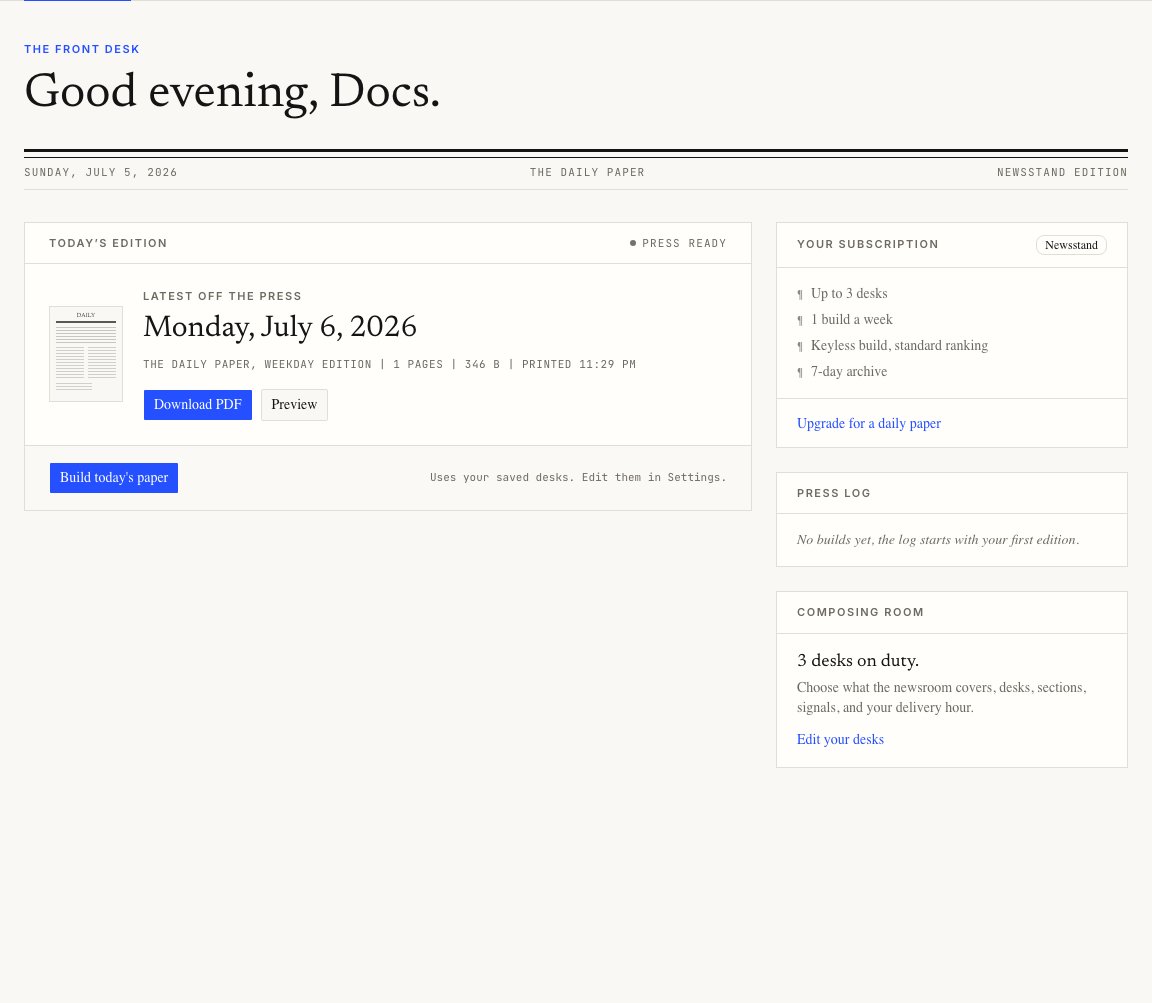
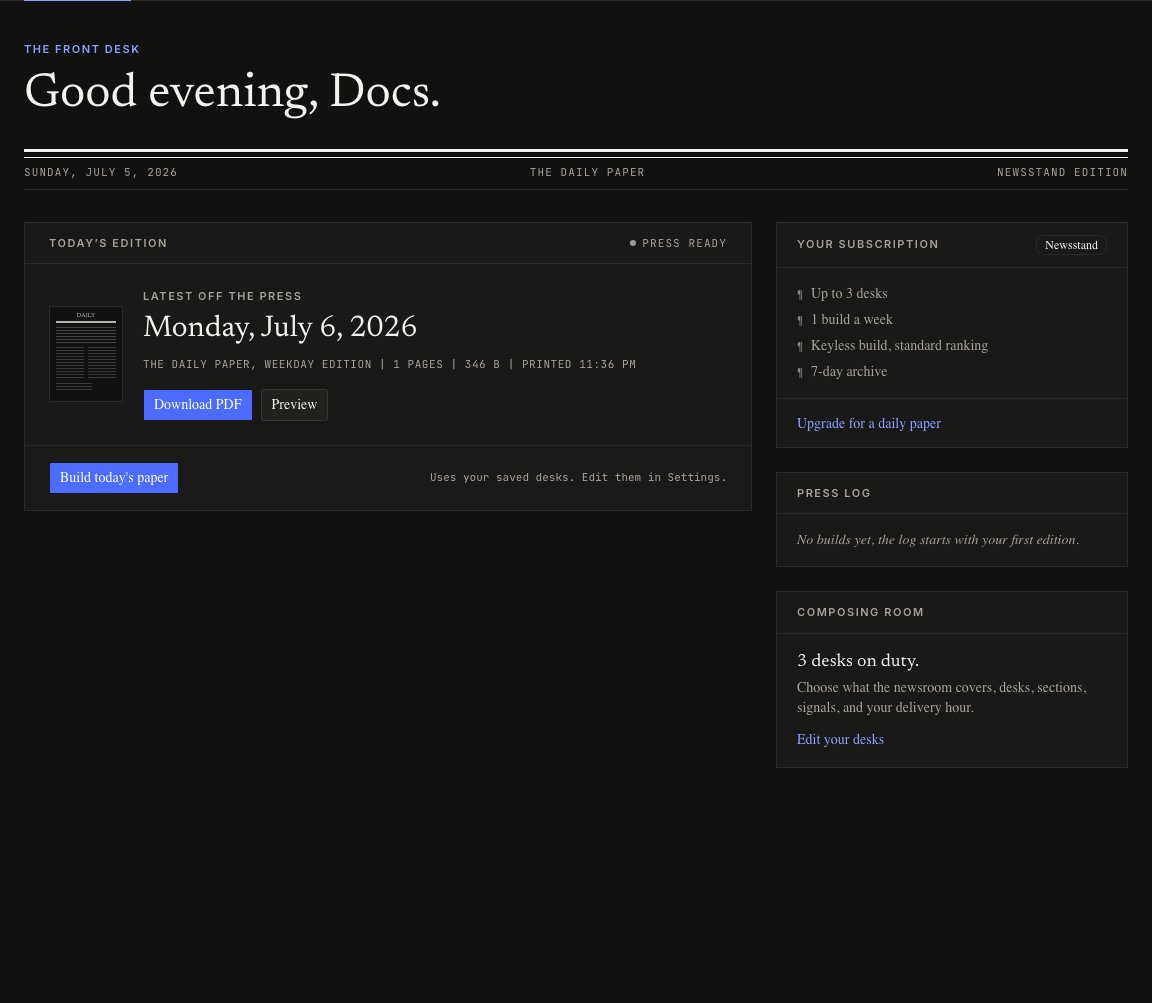 The dashboard always uses the settings you last published. If you change settings but do not publish them, the next build still uses the old spec.
## Where to go next
Open Settings once the first build works. The defaults are usable, but the app gets better when the desks match how you read.
The dashboard always uses the settings you last published. If you change settings but do not publish them, the next build still uses the old spec.
## Where to go next
Open Settings once the first build works. The defaults are usable, but the app gets better when the desks match how you read.