> ## Documentation Index
> Fetch the complete documentation index at: https://daily-paper.net/docs/llms.txt
> Use this file to discover all available pages before exploring further.
# Papers archive
> Find, preview, and download past editions.
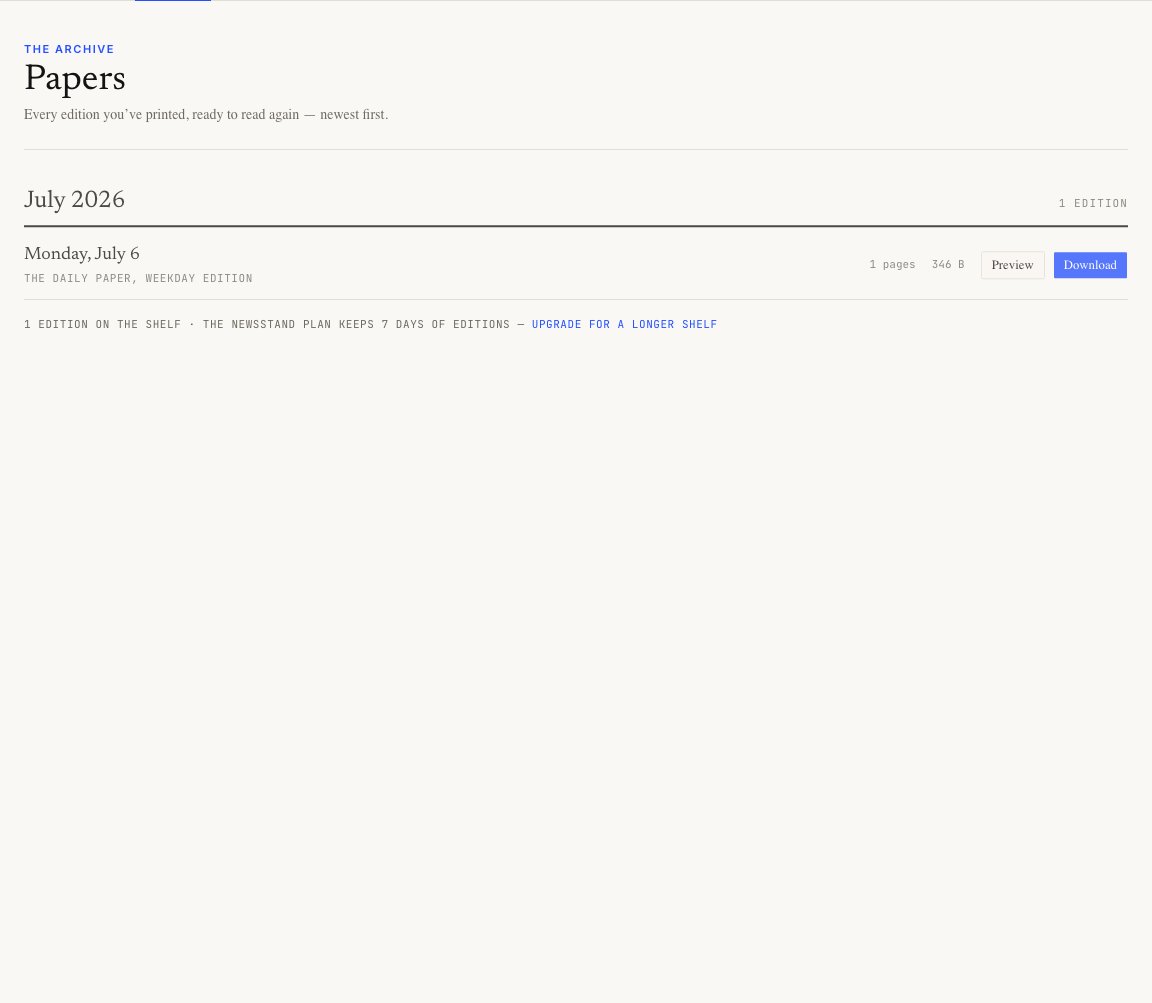
The Papers page is your shelf. It lists every edition still available on your plan, newest first and grouped by month.
 ## What each row shows
Each paper row shows the edition date, title, file size, and actions.
Use:
* **Download PDF** for the finished broadsheet
* **Preview** to open the HTML edition
## Archive retention
Archive length depends on the effective plan.
| Plan | Archive |
| --------- | ------------ |
| Newsstand | 7 days |
| Reader | 30 days |
| Publisher | Full archive |
Publisher keeps every edition. Newsstand and Reader keep a rolling window.
## What each row shows
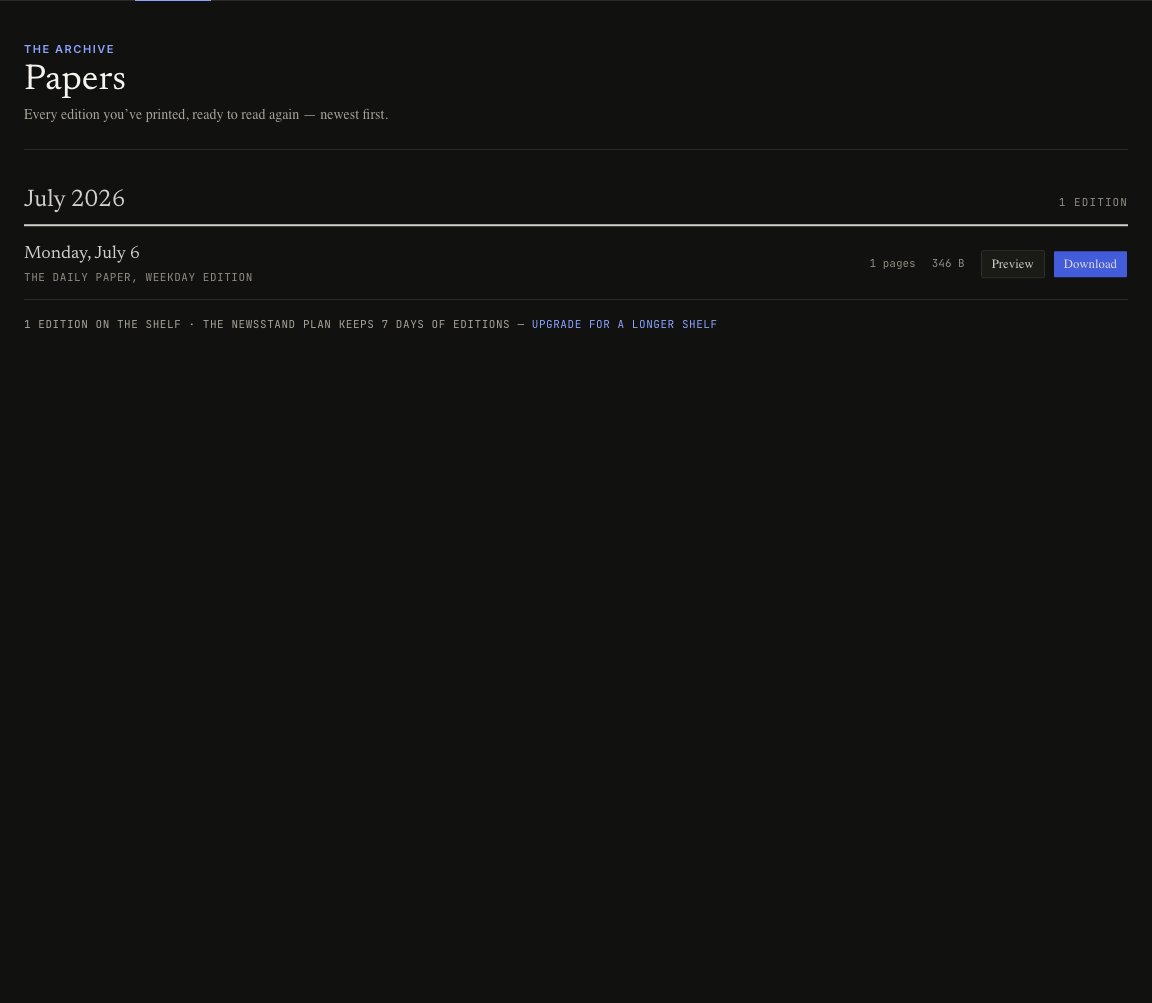
Each paper row shows the edition date, title, file size, and actions.
Use:
* **Download PDF** for the finished broadsheet
* **Preview** to open the HTML edition
## Archive retention
Archive length depends on the effective plan.
| Plan | Archive |
| --------- | ------------ |
| Newsstand | 7 days |
| Reader | 30 days |
| Publisher | Full archive |
Publisher keeps every edition. Newsstand and Reader keep a rolling window.