> ## Documentation Index
> Fetch the complete documentation index at: https://daily-paper.net/docs/llms.txt
> Use this file to discover all available pages before exploring further.
# From My Feed
> Fold your own X feed into the paper.
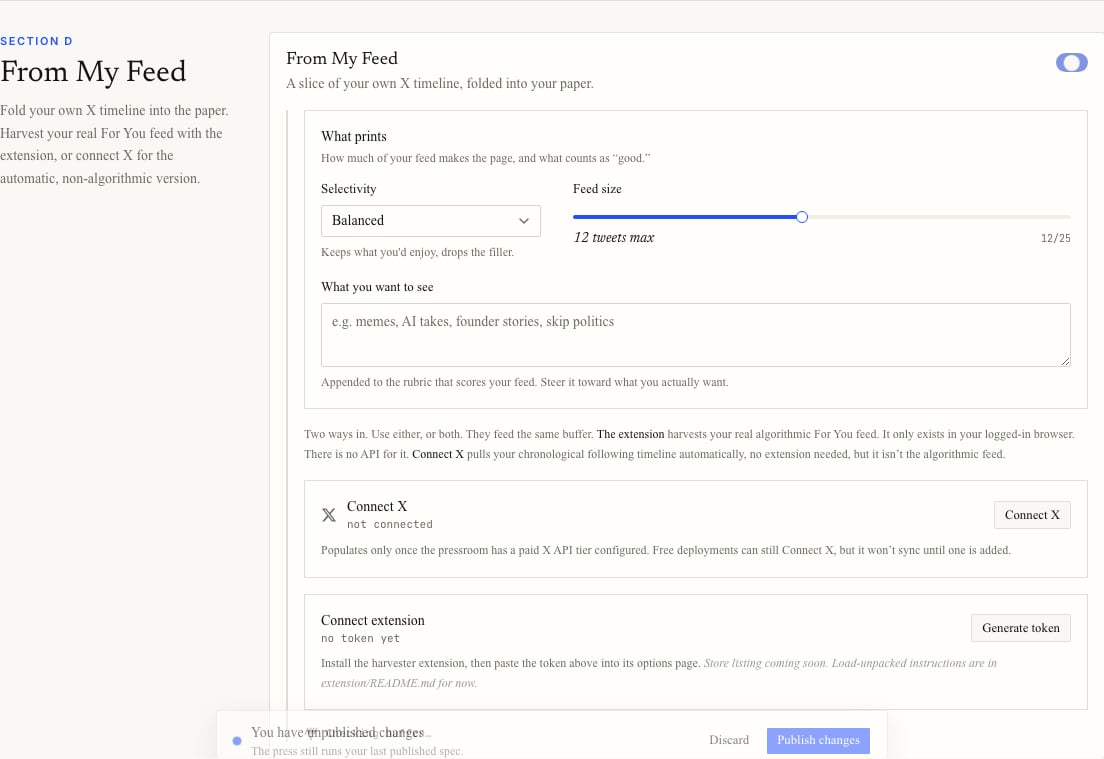
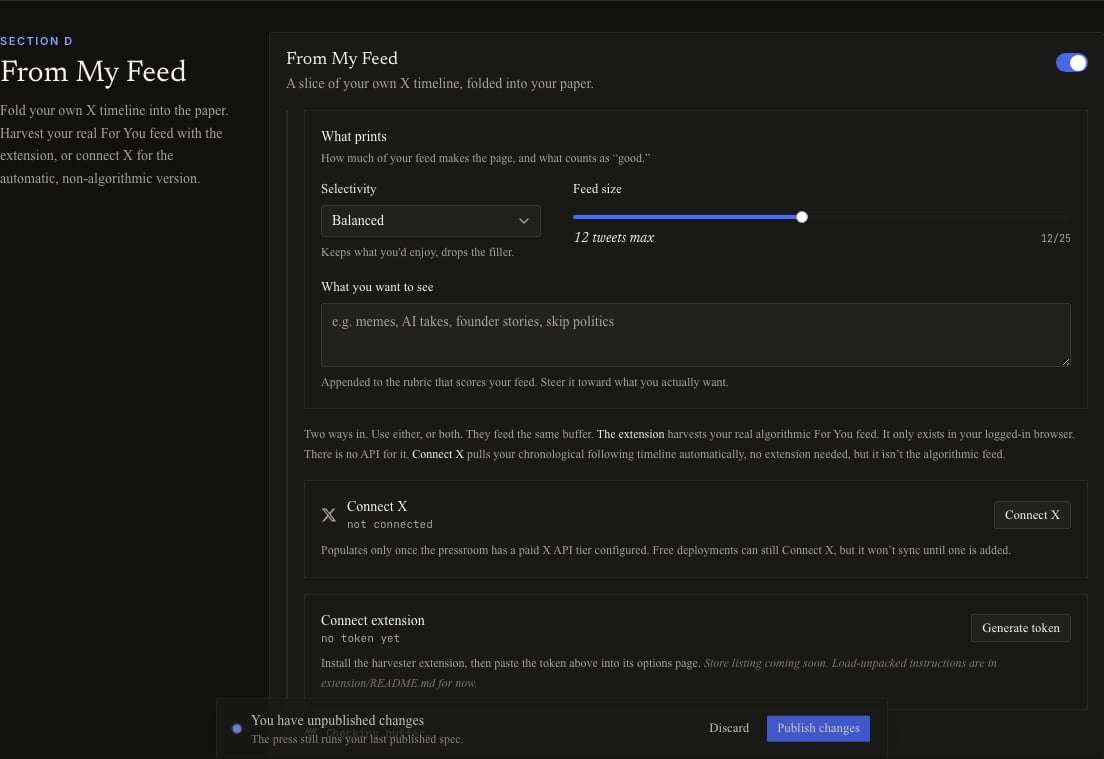
From My Feed lets your own X activity influence a section of the paper.
It has two ingest paths. You can use either one or both.
 ## Connect X
Connect X links your account through X OAuth. It pulls your chronological following timeline automatically.
This is not the algorithmic For You feed. X does not expose that feed through the official API.
Connect X only syncs when the deployment has an X API tier that can read timelines. If the tier is missing, you can still connect the account, but sync waits until the deployment is configured.
## Browser extension
The browser extension harvests your real algorithmic For You feed from your logged-in browser.
To connect it:
1. Turn on From My Feed.
2. Choose **Generate token**.
3. Copy the token immediately. It is shown once.
4. Paste it into the extension options page.
Keep the token private. Anyone with it can add tweets to your buffer.
If you regenerate the token, the old one stops working.
## What prints
The section has three controls.
| Control | What it does |
| -------------------- | ------------------------------------------------- |
| Selectivity | Controls how strict the taste filter is. |
| Feed size | Sets the maximum number of tweets that can print. |
| What you want to see | Adds a short rubric for feed scoring. |
Selectivity options:
* **Everything I follow** keeps most usable posts and drops spam, ads, and pure engagement bait.
* **Balanced** keeps posts you are likely to enjoy and drops filler.
* **Only the best** prints only standout posts.
## Buffer status
The status line shows how many usable tweets are in the buffer and a rough estimate of how long they will last. The estimate assumes about four feed items per day.
## Connect X
Connect X links your account through X OAuth. It pulls your chronological following timeline automatically.
This is not the algorithmic For You feed. X does not expose that feed through the official API.
Connect X only syncs when the deployment has an X API tier that can read timelines. If the tier is missing, you can still connect the account, but sync waits until the deployment is configured.
## Browser extension
The browser extension harvests your real algorithmic For You feed from your logged-in browser.
To connect it:
1. Turn on From My Feed.
2. Choose **Generate token**.
3. Copy the token immediately. It is shown once.
4. Paste it into the extension options page.
Keep the token private. Anyone with it can add tweets to your buffer.
If you regenerate the token, the old one stops working.
## What prints
The section has three controls.
| Control | What it does |
| -------------------- | ------------------------------------------------- |
| Selectivity | Controls how strict the taste filter is. |
| Feed size | Sets the maximum number of tweets that can print. |
| What you want to see | Adds a short rubric for feed scoring. |
Selectivity options:
* **Everything I follow** keeps most usable posts and drops spam, ads, and pure engagement bait.
* **Balanced** keeps posts you are likely to enjoy and drops filler.
* **Only the best** prints only standout posts.
## Buffer status
The status line shows how many usable tweets are in the buffer and a rough estimate of how long they will last. The estimate assumes about four feed items per day.