> ## Documentation Index
> Fetch the complete documentation index at: https://daily-paper.net/docs/llms.txt
> Use this file to discover all available pages before exploring further.
# Settings overview
> How publishing settings works and what each section controls.
Settings is the composing room. It is where you write the spec the press uses for each paper.
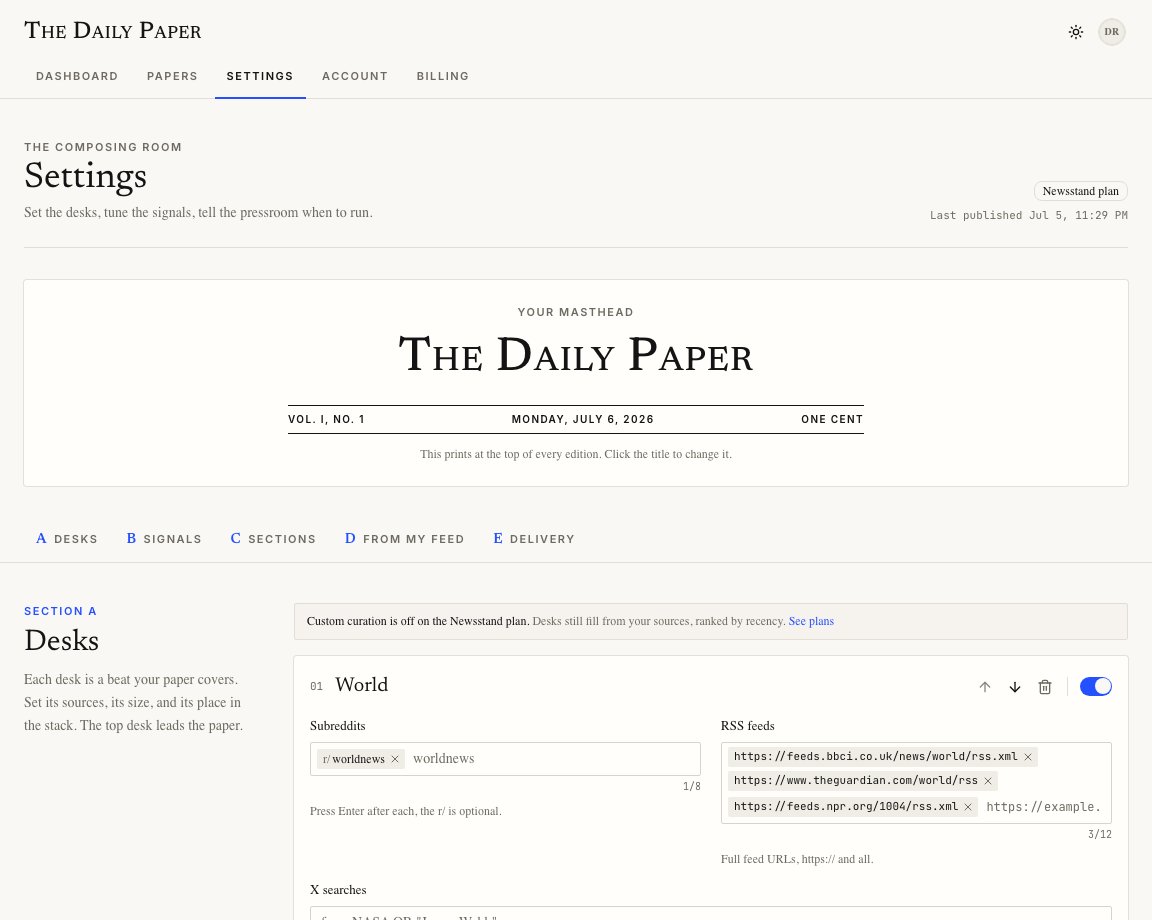
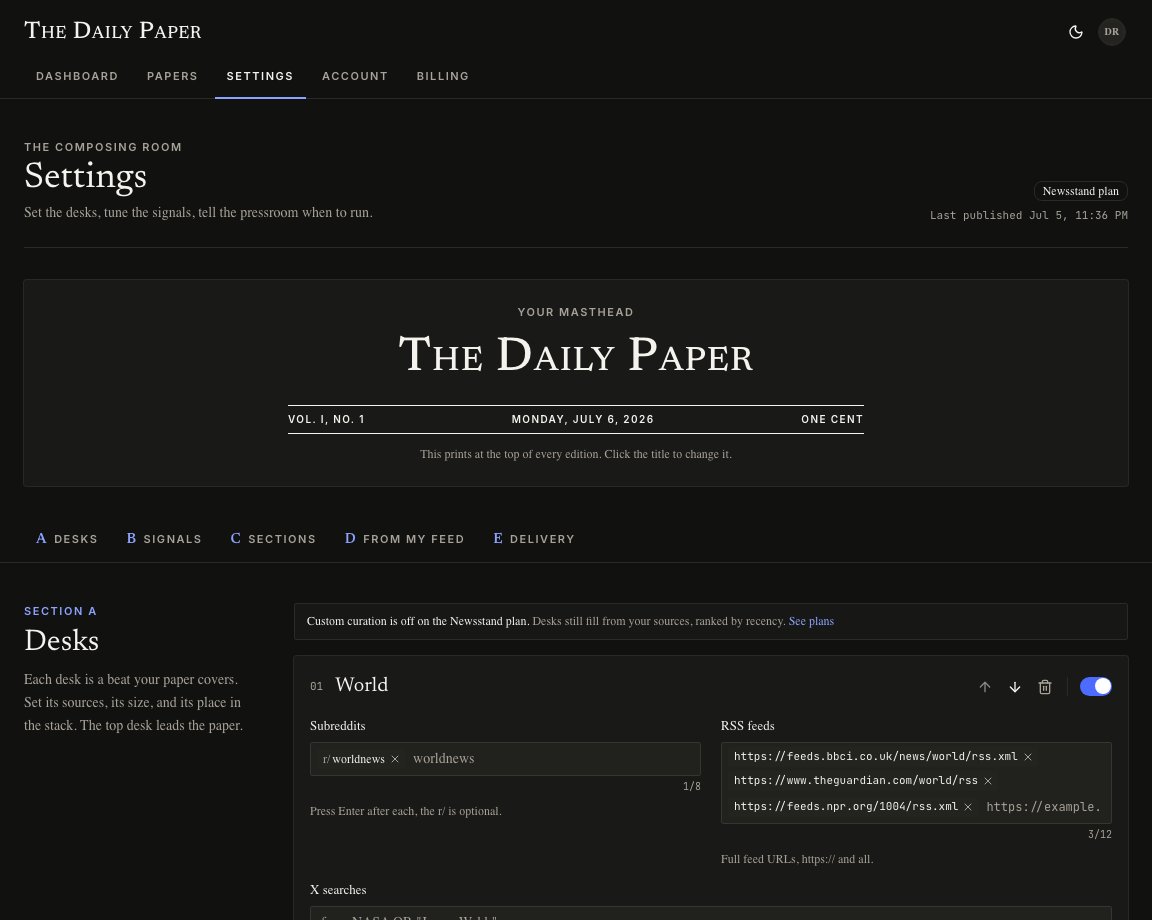 The page is split into five sections:
| Section | What it controls |
| ------------ | ------------------------------------------------------------------------------------- |
| Desks | Beats, sources, story counts, long reads, and desk order. |
| Signals | Topics to chase, topics to avoid, tone, good-news balance, and standing instructions. |
| Sections | Weather, markets, puzzles, funnies, and the Publisher daily column. |
| From My Feed | Optional X feed material from Connect X or the browser extension. |
| Delivery | Delivery hour, timezone, and edition style. |
## Drafts and publishing
Editing a field changes the draft in your browser. The press does not use that draft until you publish it.
When the save bar appears:
* **Publish changes** saves the spec and syncs it to the pressroom.
* **Discard** returns the page to the last saved spec.
If the paper service is offline, the app still saves your settings locally and tells you that schedule sync is pending. You can retry from the warning toast.
## Validation
Settings has guardrails so a bad spec does not reach the press.
Examples:
* the masthead cannot be blank
* desk names must be unique
* feed URLs must start with `http://` or `https://`
* a plan cannot publish more desks than it includes
* weather latitude and longitude must be real coordinates
When validation fails, the toast names the section that needs attention.
The page is split into five sections:
| Section | What it controls |
| ------------ | ------------------------------------------------------------------------------------- |
| Desks | Beats, sources, story counts, long reads, and desk order. |
| Signals | Topics to chase, topics to avoid, tone, good-news balance, and standing instructions. |
| Sections | Weather, markets, puzzles, funnies, and the Publisher daily column. |
| From My Feed | Optional X feed material from Connect X or the browser extension. |
| Delivery | Delivery hour, timezone, and edition style. |
## Drafts and publishing
Editing a field changes the draft in your browser. The press does not use that draft until you publish it.
When the save bar appears:
* **Publish changes** saves the spec and syncs it to the pressroom.
* **Discard** returns the page to the last saved spec.
If the paper service is offline, the app still saves your settings locally and tells you that schedule sync is pending. You can retry from the warning toast.
## Validation
Settings has guardrails so a bad spec does not reach the press.
Examples:
* the masthead cannot be blank
* desk names must be unique
* feed URLs must start with `http://` or `https://`
* a plan cannot publish more desks than it includes
* weather latitude and longitude must be real coordinates
When validation fails, the toast names the section that needs attention.