The Daily Paper turns your sources and preferences into a finished morning edition. You choose the desks, sources, tone, extras, and delivery time. The press builds a PDF broadsheet from that saved spec. This guide is for readers using the app. It covers the dashboard, settings, archive, billing, and account tools.

The app in one minute

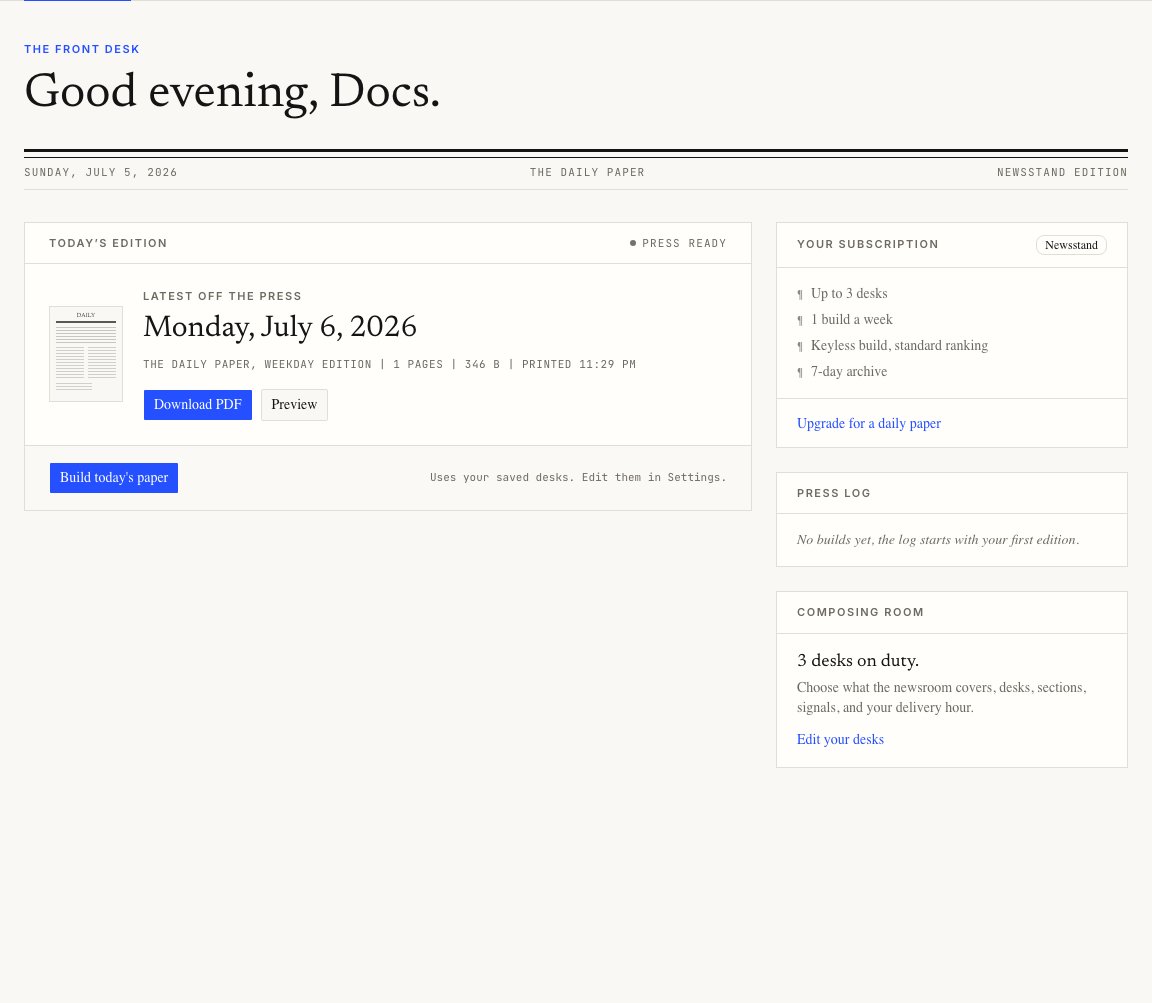
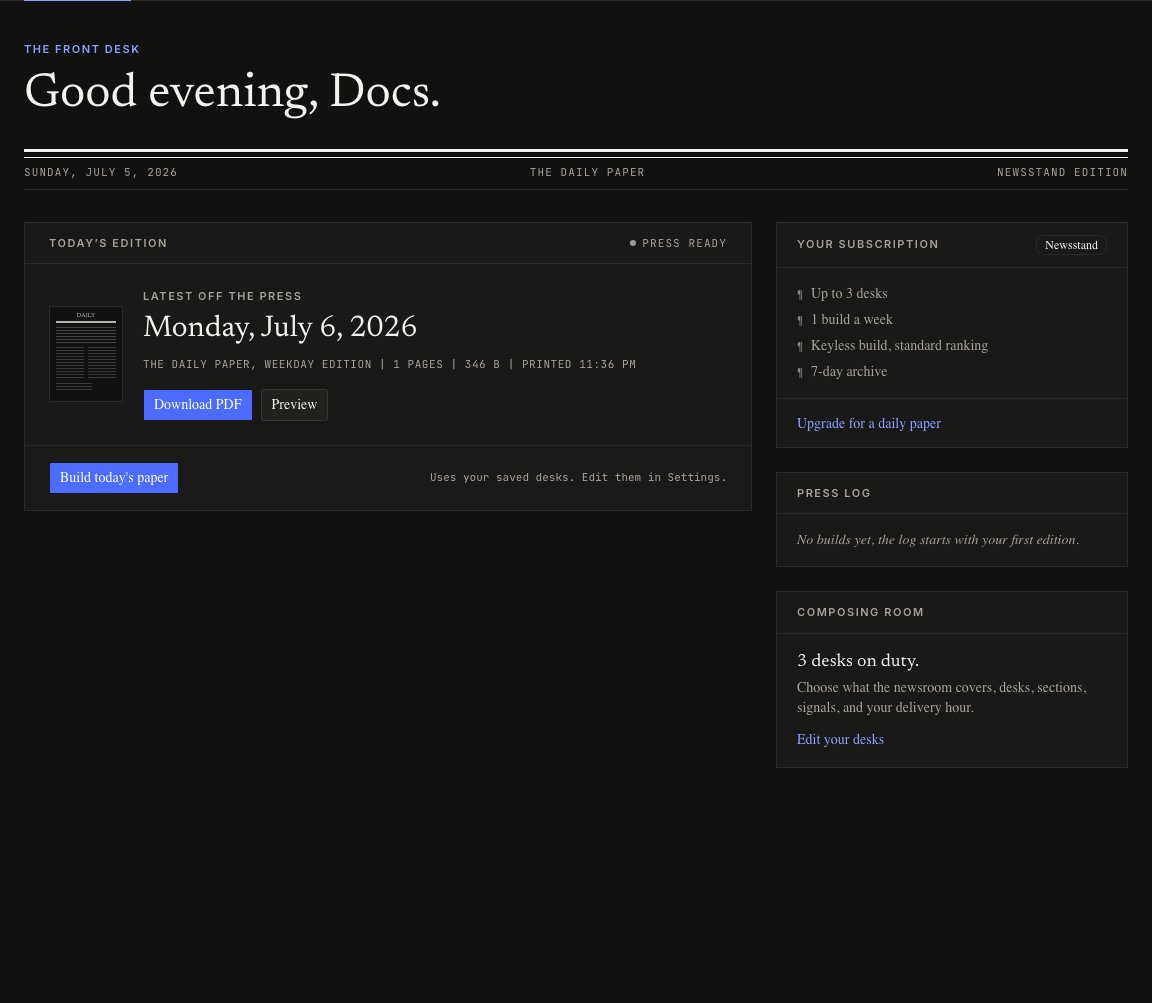
The app has five main rooms. Dashboard front desk with the latest edition, Download PDF, Preview, Build today's paper, and Edit your desks controls The Dashboard is the fastest place to build, download, preview, and jump back to Settings.
First edition checklist

  1. Open Settings.
  2. Rename the masthead if you want a custom title.
  3. Review the default desks, then add or remove sources.
  4. Set the delivery hour and timezone.
  5. Publish the settings.
  6. Go to Dashboard and press Build today’s paper.
The first build usually takes a few minutes. Once it finishes, the dashboard shows download and preview buttons.

What settings control

Settings are the edition spec. The press uses the last published spec, not unsaved changes on the page. Your spec controls:
  • the paper title
  • which desks appear and in what order
  • RSS feeds, subreddits, and X searches for each desk
  • story counts and long reads per desk
  • topics to boost or avoid
  • tone and good-news balance
  • weather, markets, puzzles, funnies, and the daily column
  • optional From My Feed entries from X
  • delivery hour, timezone, and edition type

Plan limits

The free Newsstand plan includes one build a week, up to three desks, a 7-day archive, weather, puzzles, and RSS sources. Reader adds daily use, more room, custom curation, and a 30-day archive. Publisher adds the strongest curation tier, engine choice, a daily column, priority builds, and a full archive.