Create an account
Open Get started from the landing page. The Newsstand plan is free and does not need a card. You can sign up with:- a magic link sent by email
- email and password
- a configured social sign-in provider, such as Google, GitHub, or X
Sign in
Use Sign in from the landing page. Magic links are single-use and expire after five minutes. If a link fails, request a new one. Password sign-in works from the same card. The password option is one click below the magic-link form.Build your first paper
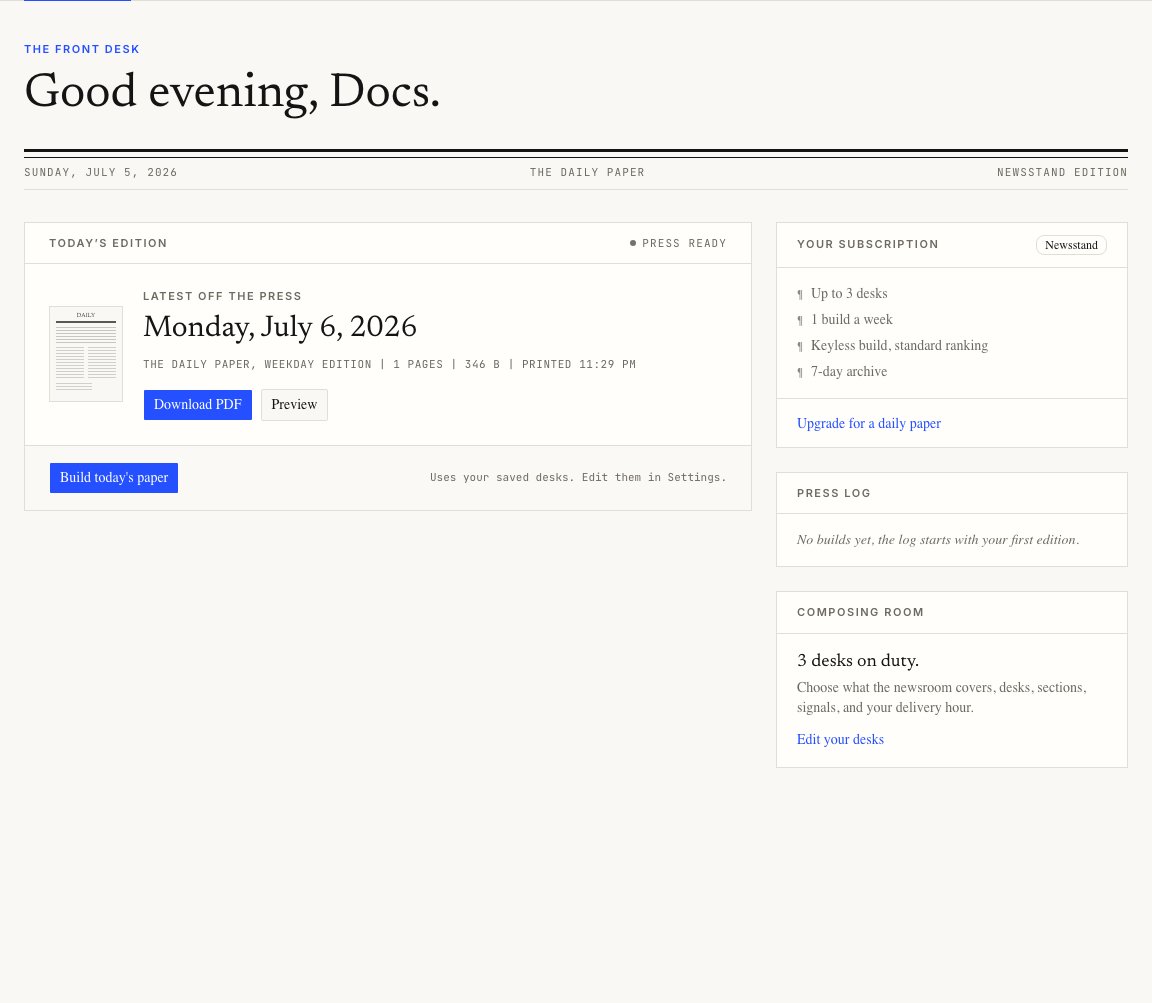
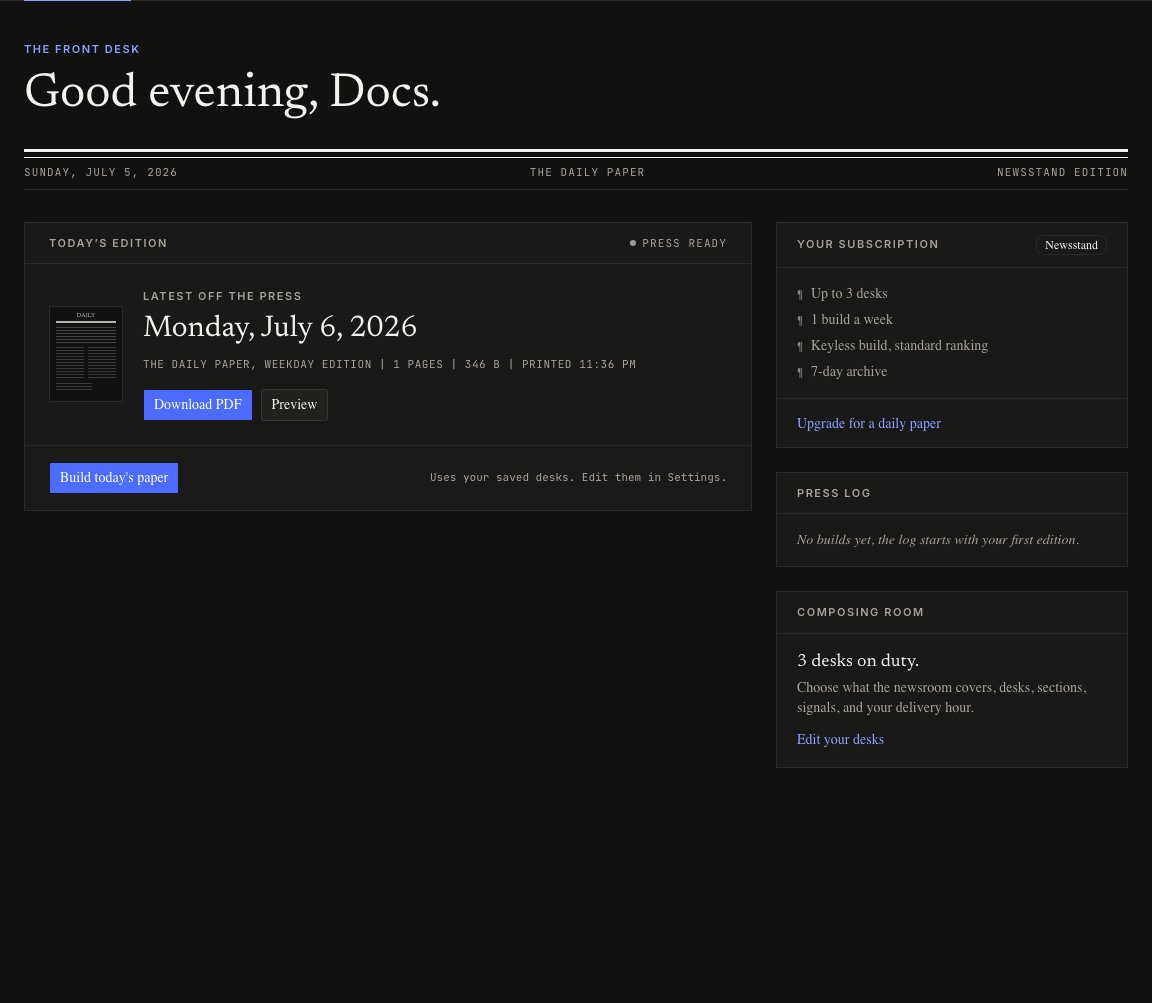
After sign-in, the app sends you to the Dashboard.- Review the latest edition panel.
- Press Build today’s paper.
- Wait while the press moves through the live status steps.
- Download the PDF or open the HTML preview.