

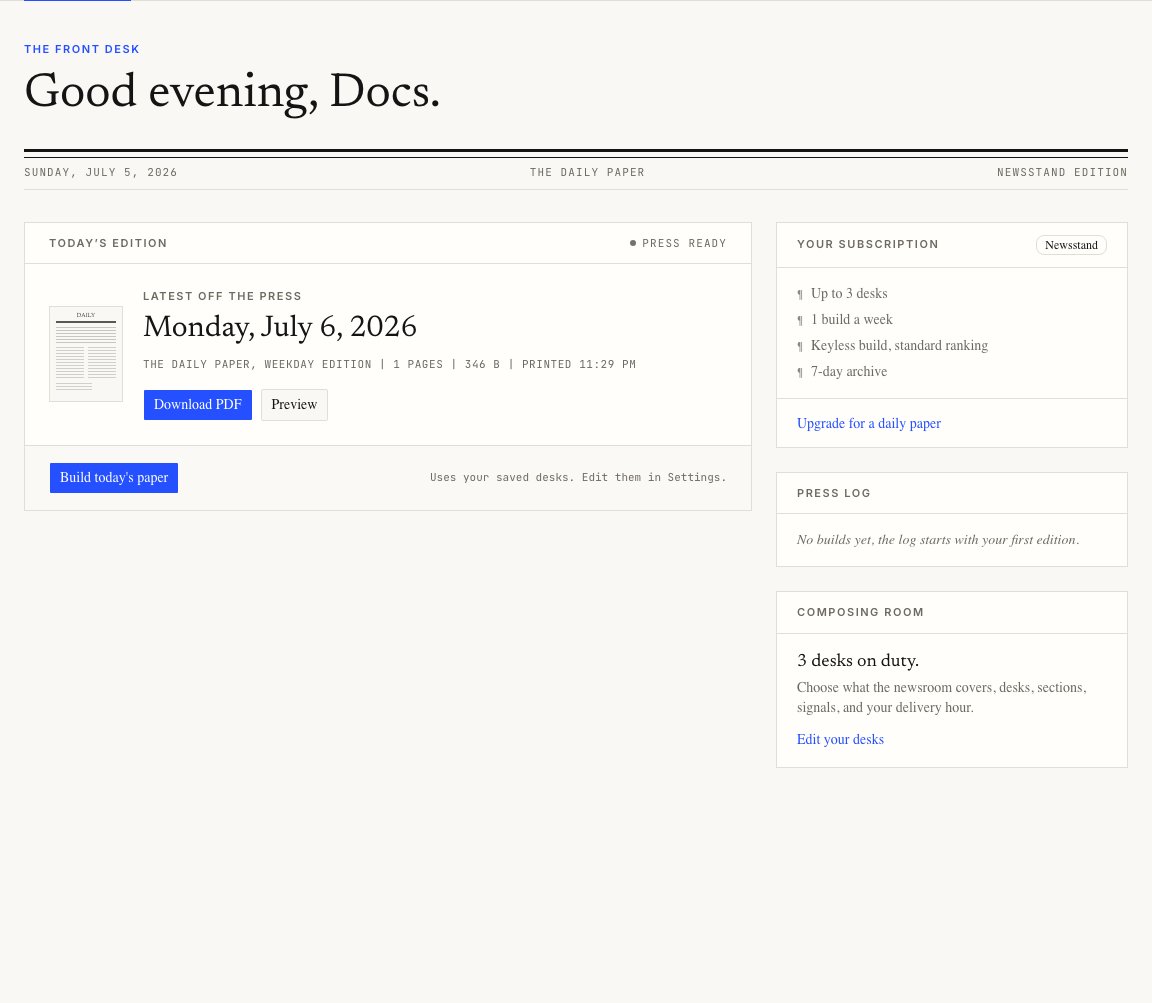
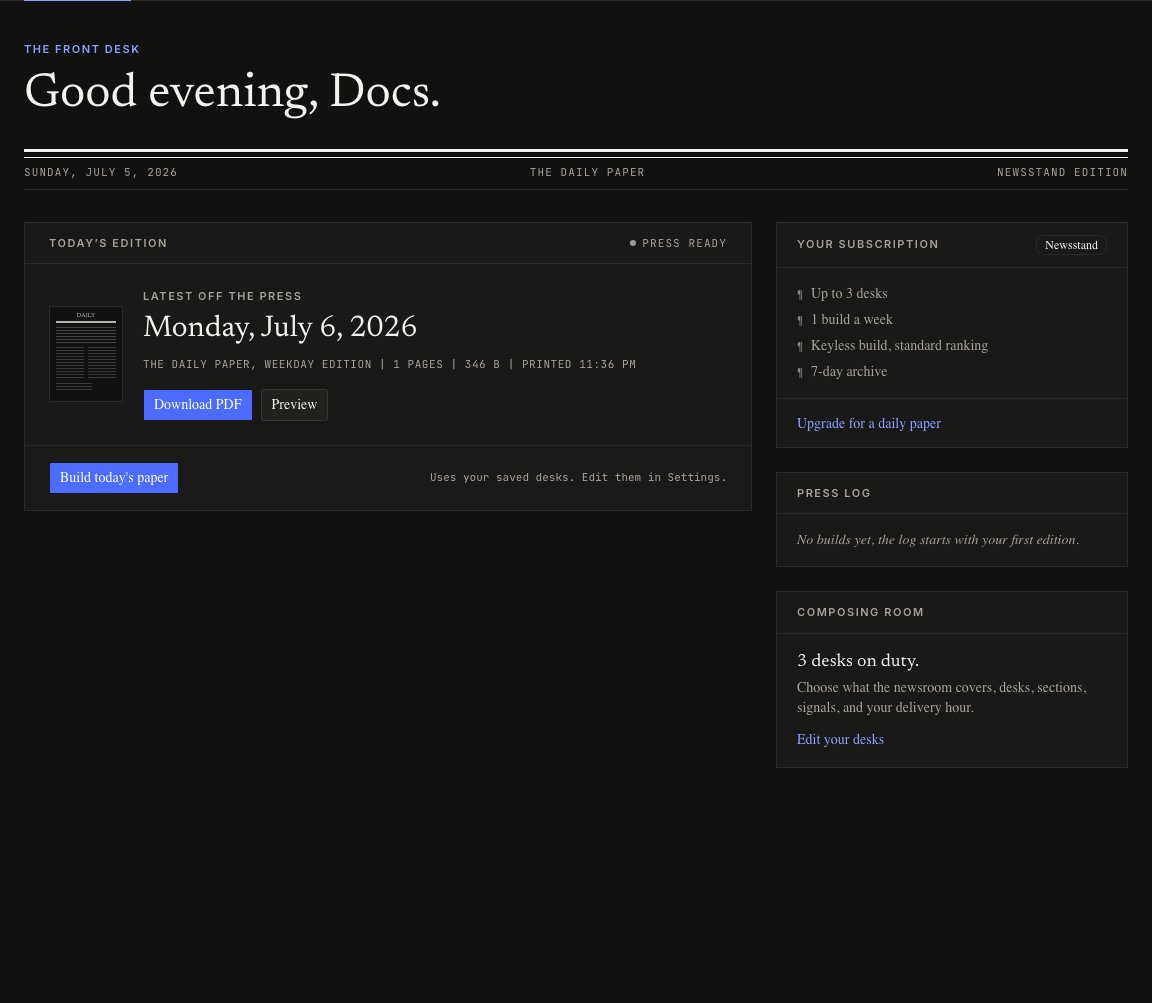
Today’s edition
When an edition exists, the main panel shows:- the edition date
- title, page count, and file size
- when it printed
- Download PDF
- Preview
Build today’s paper
Press Build today’s paper to run the press manually. The build uses your saved settings. While it runs, the dashboard polls the press and shows live status:- Queued
- On the press
- Succeeded
- Failed
If a build is already running
Only one build runs for your account at a time. If another request is already on the press, the dashboard reconnects to it when it can.Build limits
Your plan controls how often you can build.
If you hit the limit, the dashboard shows an upgrade link.