

Drafts and publishing
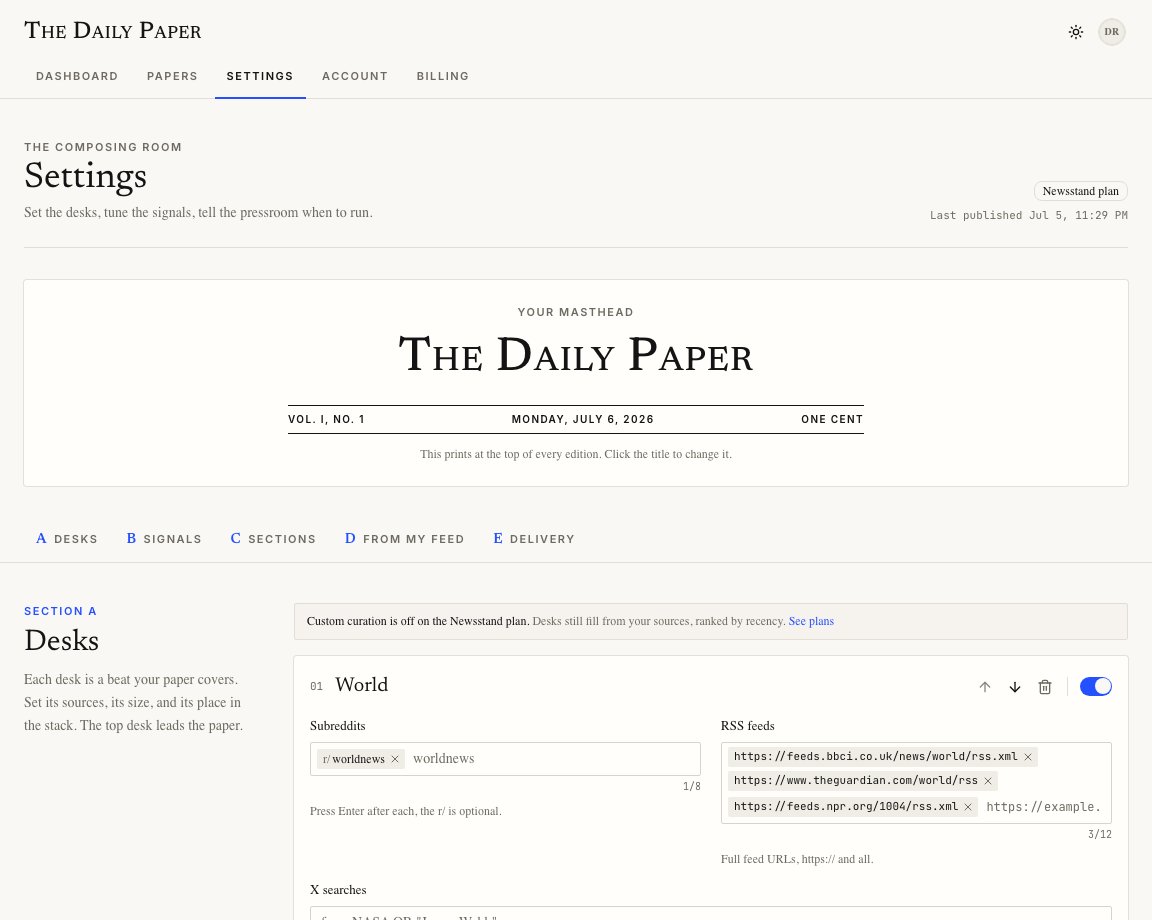
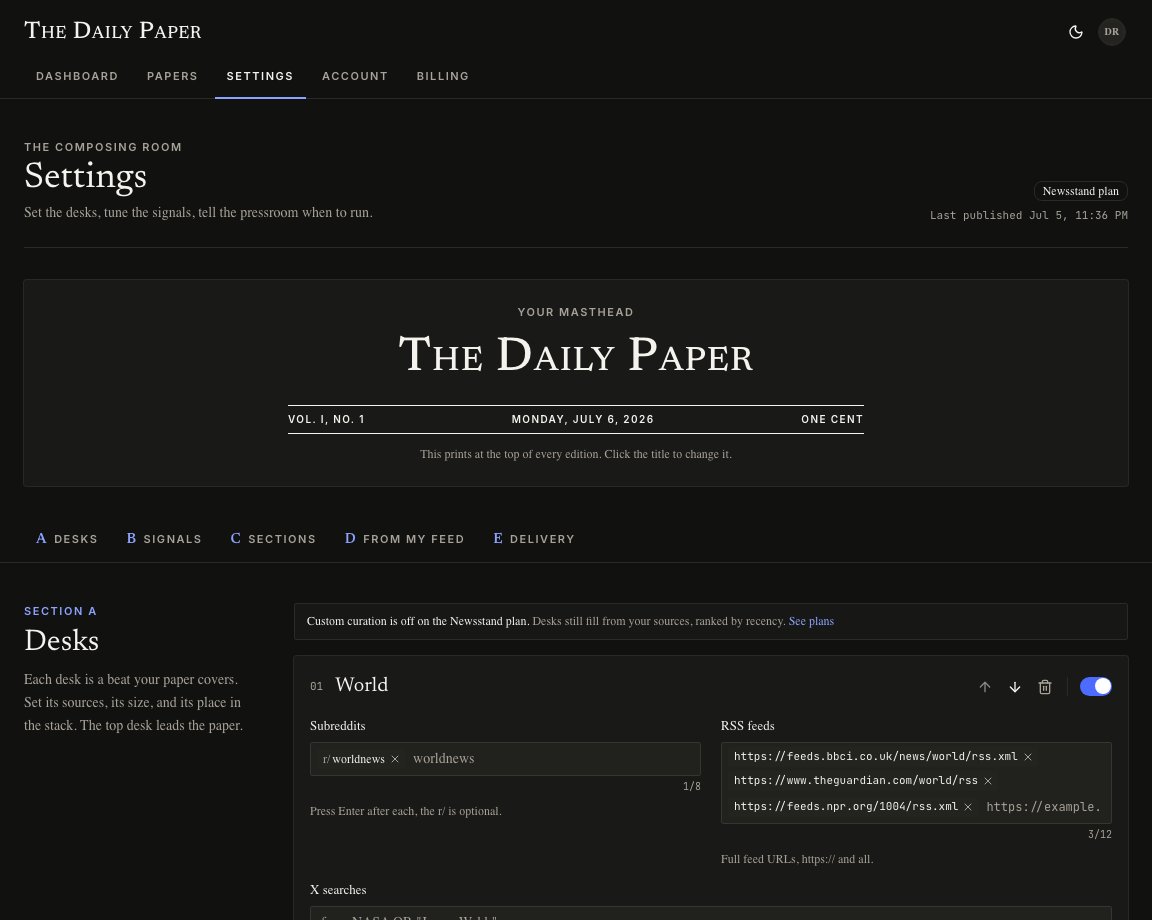
Editing a field changes the draft in your browser. The press does not use that draft until you publish it. When the save bar appears:- Publish changes saves the spec and syncs it to the pressroom.
- Discard returns the page to the last saved spec.
Validation
Settings has guardrails so a bad spec does not reach the press. Examples:- the masthead cannot be blank
- desk names must be unique
- feed URLs must start with
http://orhttps:// - a plan cannot publish more desks than it includes
- weather latitude and longitude must be real coordinates